 How-to
How to Get Professional Video Without a Film Crew
Last Updated: November 21, 2026
Quick Summary
You can get professional video without a film crew by using a recent smartphone or mirrorless camera on a tripod, prioritising a clip on lavalier microphone over extra lenses, and locking your settings before every take. Prepare harder than a crew would, because you are camera operator, director, sound recordist and interviewer at once.
- Spend on sound and support first, as the camera body is the least important purchase.
- Set 25 frames per second with a 1/50 shutter speed to match UK mains lighting.
- Lock focus manually on the nearest eye to stop autofocus hunting mid sentence.
- Set audio peaks around minus 12 decibels and record a minute of room tone.
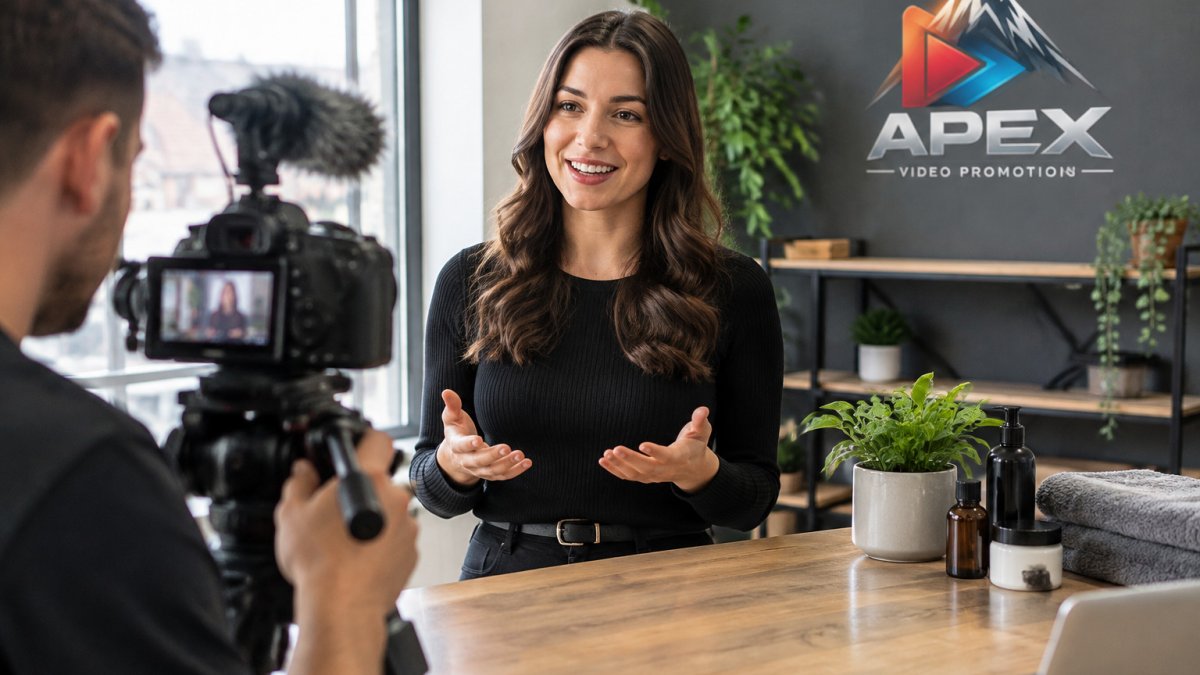
- Face your subject towards a window rather than shooting into it.
Table of Contents
- Why Solo Filming Beats a Full Crew for Most Business Videos
- Essential Equipment for Solo Filming on a Budget
- Setting Up Your Camera for Professional Results
- Lighting and Audio Techniques for a Polished Look
- Business Video Script Template and Production Planning
- Short Promotional Video Examples and Social Media Video Length
- Video Production Tools for Small Businesses
- Book a Consultation to Plan Your Next Video
- Frequently Asked Questions
Why Solo Filming Beats a Full Crew for Most Business Videos
Here is the uncomfortable truth about getting professional video without a film crew: most businesses do not need a crew at all.
A full crew brings lighting technicians, sound recordists, camera operators and runners.
Small teams now produce professional video that looks every bit as polished as agency work, often from a spare room with a window.
You can also read more in our guide on how to create professional business videos without a film crew if you want the deeper case for going crew-free.
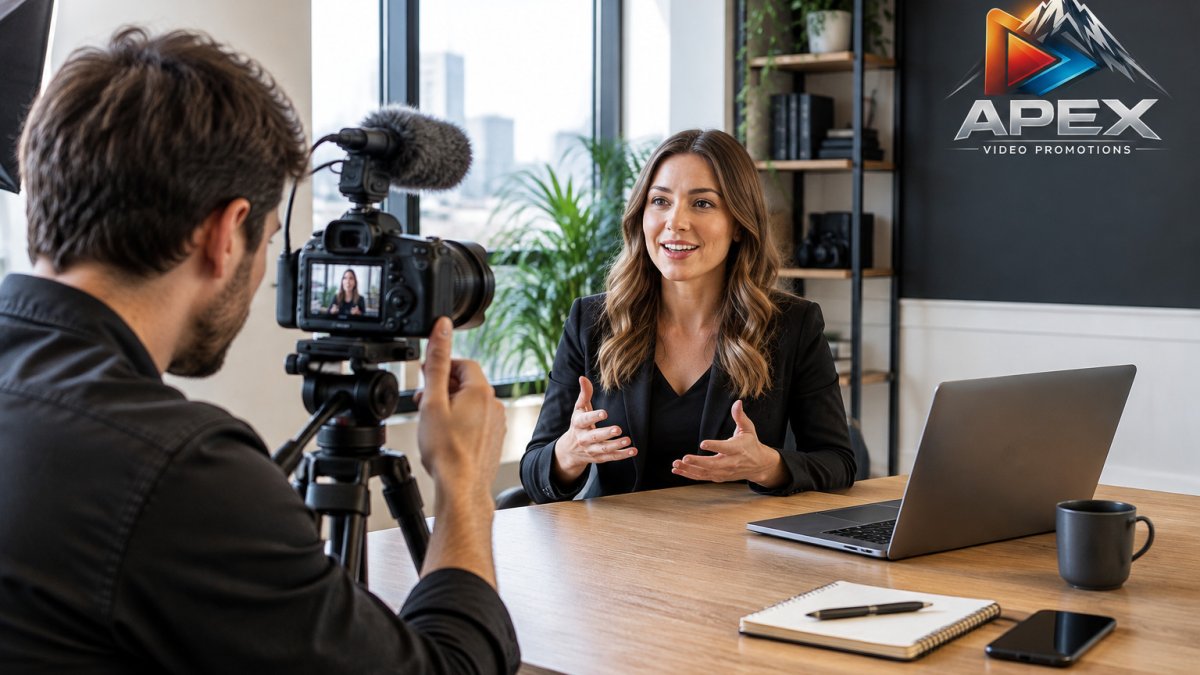
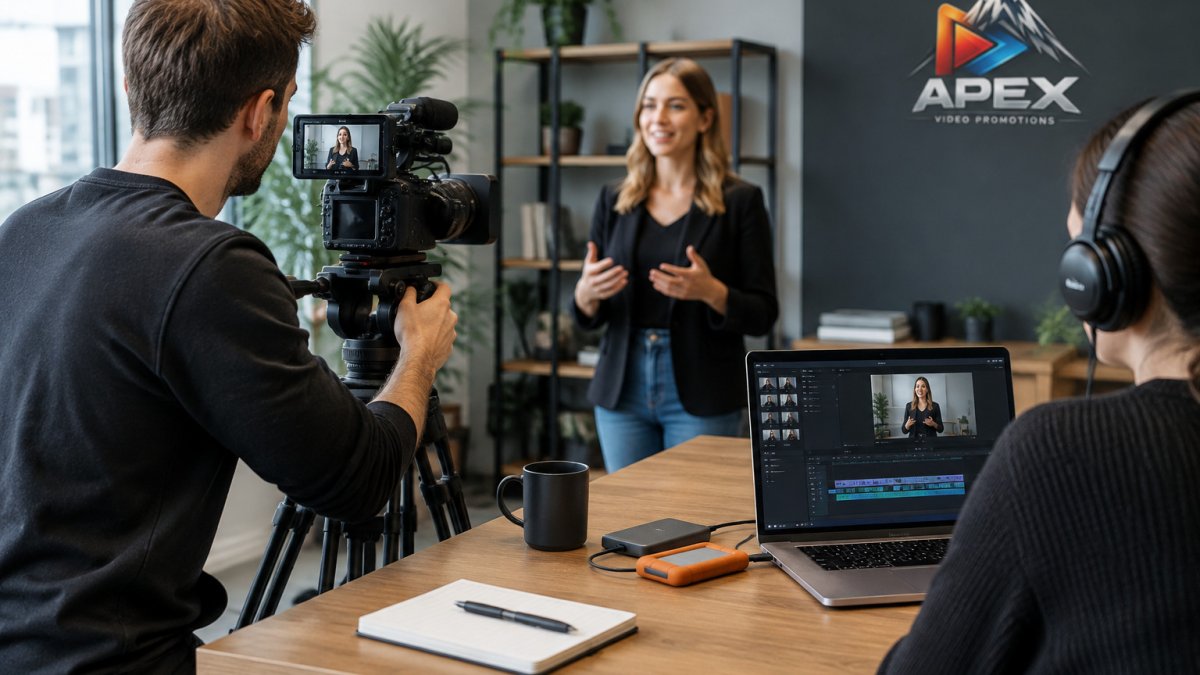
The one drawback of solo filming is that you are the camera operator, director, sound recordist and interviewer at once.
Essential Equipment for Solo Filming on a Budget
The best solo kit is the kit you already own, plus two upgrades. Most modern phones shoot footage good enough for website and social use. What lets people down is audio and stability, not resolution.
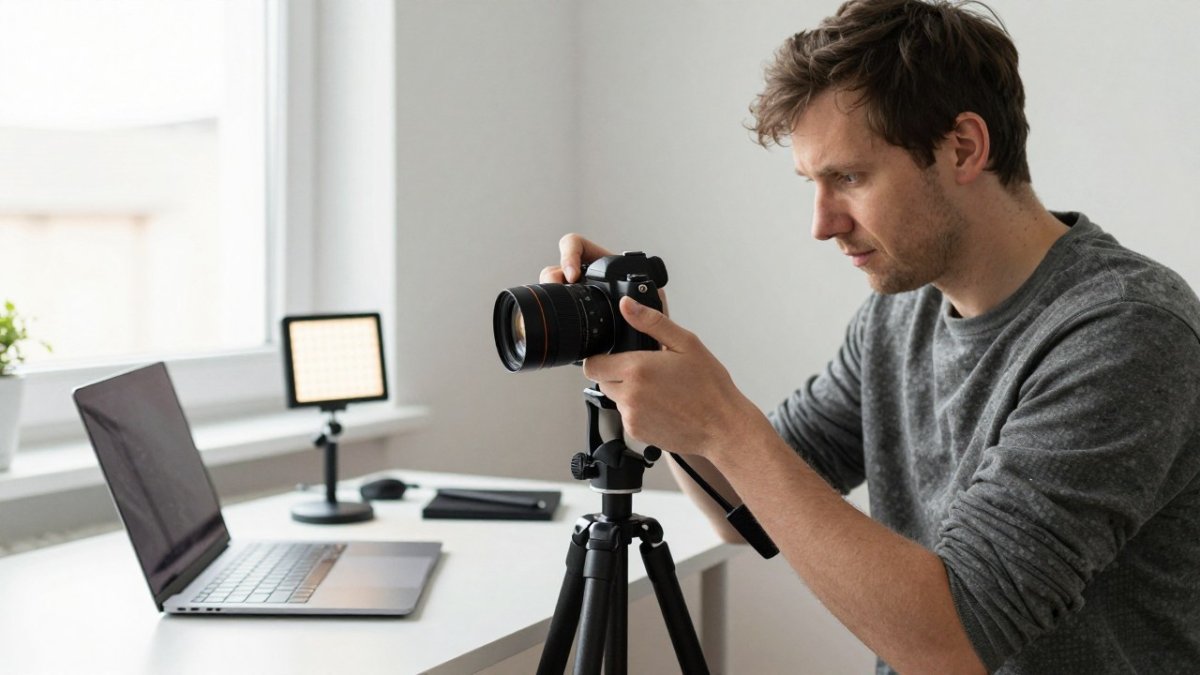
A common mistake is buying a cinema camera before learning to light a face. Spend on sound and support first. The camera body is the least important purchase at this stage.
For a fuller breakdown of low-cost setups, see our guide to producing marketing videos without high filming costs.
Camera and Lens Choices
Three tiers cover almost every small business need. - Tier one, under £100: a recent smartphone on a tripod. Add a clip-on lavalier and a small tripod and you have a complete solo kit for social and website clips. The trade-off is low light performance and limited control over depth of field.
- Tier two: a mirrorless camera with one prime lens. Better in low light, easier to blur backgrounds and cleaner HDMI output if you later add an external recorder. A 35mm equivalent prime is the most useful single lens for interviews and general business footage.
- Tier three: a mirrorless body with two lenses, one wide and one portrait length, plus a second battery and a faster memory card. This tier only makes sense once you have repeat shoots booked.
Do not chase lens changes mid-shoot. One good lens forces better framing decisions and removes a common source of dust on the sensor and lost time.
A neutral way to decide between tiers is to count how many shoot days you have in the next quarter. Fewer than three, stay at tier one. Three to ten, tier two. More than ten, tier three starts to pay for itself against hiring a crew.
Audio Gear That Makes the Difference
Sound quality separates amateur from professional video faster than picture quality. Viewers forgive soft focus. They do not forgive echo.
- A clip on lavalier microphone for interviews
- A shotgun microphone for wider shots
- A simple recorder or direct connection to camera
Watch out: recording audio through the camera's built-in microphone in a bare room will give you a hollow, roomy sound that no edit can fix. Budget for a lavalier before you budget for a second lens.
Lighting and Support Essentials
You need a tripod, and you need light control. A tripod with a fluid head makes panning smooth. For light, a diffuser and a reflector are inexpensive and do more than a second lamp.
A single soft LED panel is enough for most solo work when combined with a window. Buy the panel after the microphone, not before.
What to Skip at This Stage
Gimbals, sliders, matte boxes and follow focus rigs are the most common solo purchases that sit in a bag unused. They add setup time and weight, and they solve problems most business videos do not have. A locked off tripod shot of a well lit face beats a moving shot of a badly lit one every time.
Setting Up Your Camera for Professional Results
Getting professional video without a film crew comes down to settings you choose once and reuse. Set them before the shoot and leave them alone. This section gives the specific numbers and the order to set them in, which is the part most solo guides skip. Once those settings are fixed, the same discipline can carry through to a guide to brand video production, keeping each shoot consistent with the business it represents.
Frame Rate, Resolution and Picture Profiles
- Resolution: 1080p is enough for web. 4K gives cropping room in the edit and is worth it if you plan to reframe a single take into vertical and horizontal versions.
- Frame rate: 25 frames per second for a natural look that matches UK mains lighting and avoids flicker. Use 50 frames per second only when you intend slow motion, and remember that 50 frames per second halves your shutter speed options.
- Shutter speed: set it to double your frame rate, so 1/50 second at 25 frames per second. This is the single setting most often left on auto and the one that most often makes footage look wrong.
Focus and Exposure Settings
Lock focus manually once your subject sits still. Autofocus hunting mid sentence is the single most common giveaway of a solo shoot.
For exposure, keep your subject's face correctly lit and ignore the window behind them. Use zebras or a histogram if your camera has them.
Watch out: leaving ISO on auto means the camera will brighten the room when your subject moves and the shot will visibly shift brightness mid take.
White Balance and Audio Levels
Set white balance manually to the dominant light source, usually daylight through a window or a tungsten lamp, rather than leaving it on auto. Auto white balance drifts when a cloud passes or a door opens, and the shift is hard to correct across a cut.
Set audio levels so peaks sit around minus 12 decibels and never touch zero. Record a minute of room tone before you start so the editor can smooth cuts.
A Settings Checklist to Reuse
Write these six settings on a card and tape it inside your camera bag: 1080p or 4K, 25 frames per second, 1/50 shutter, manual focus on the nearest eye, ISO locked after exposure, white balance set to the dominant source. Running this list before every take takes under a minute and prevents the most common solo shoot failures.
Lighting and Audio Techniques for a Polished Look
Natural light is free and often the best light you will get. The skill is in positioning, not equipment.
Using Natural Light and Simple Lighting Setups
Put your subject facing a window, not with their back to it. Soft, indirect daylight flatters skin and needs no gear.
When daylight is not enough, one soft light at an angle beats three harsh ones. Bounce it off a white wall to fill shadows.
Microphone Placement and Sound Recording
Place the microphone close to the mouth, just out of frame. Clip-on lavaliers should sit a hand's width below the chin, not buried under clothing.
Record a minute of room tone before you start. Editors use it to smooth cuts.
Watch out: shooting in an untreated room with hard floors and bare walls creates echo that makes even good microphones sound cheap.
Business Video Script Template and Production Planning
A business video script template saves more time than any piece of gear. It forces you to decide what the video is for before you switch the camera on.
Use this structure:
Hook (5 seconds): the problem your viewer has Who you are (5 seconds): name and what you do Proof (15 seconds): one specific result or client outcome Offer (10 seconds): what you want them to do next Close (5 seconds): repeat the call to action
Write the script, read it aloud, then cut a third of it. Spoken scripts always run long.
For script templates, production stages and planning timelines, our video production guide for business owners walks through the full process.
Short Promotional Video Examples and Social Media Video Length
Short promotional video examples almost always share one trait: they get to the point in the first three seconds. Length matters less than pace.
What Length Works Best for Each Platform
| Platform | Ideal length | Best use |
|---|---|---|
| Website homepage | 30 to 60 seconds | Explaining the offer fast |
| Social feed | 15 to 30 seconds | Grabbing attention |
| Short form video | 15 to 60 seconds | Reach and discovery |
| Client testimonial | 60 to 90 seconds | Building trust |
| Product demo | 45 to 90 seconds | Showing how it works |
Ideal length
For a full comparison of formats, sizes and aspect ratios, read our guide to the best video formats for social media.
Video Production Tools for Small Businesses
The right software turns solo footage into a finished piece. You do not need a full studio suite.
- Editing: one of the mainstream editors, chosen for the one you find least fiddly
- Captions: automatic caption tools, then a manual check
- Colour: built in grading tools are enough for most web video
A shot list is the tool most solo shooters skip and most solo shooters regret skipping. Build one before every shoot, even a short one.
That covers the filming side. But there is a faster route for many businesses.
Getting professional video without a film crew still means a shoot day, a camera operator, and an edit. When speed matters more than filming, AI powered production removes the shoot entirely. AI Promotional Video Production from Apex Video Promotions builds promotional video from your existing website, product information and marketing material, with human led creative direction and scriptwriting behind it.
Book a Consultation to Plan Your Next Video
The hardest part of solo filming is not the camera. It is finding the time to plan, shoot, edit and still run the business.
If you would rather skip the shoot altogether, book a consultation and we will talk through your goals and the right promotional video for your website.
Filming yourself works well when you have the time and the patience for it.
Frequently Asked Questions
How can I make a professional video without a film crew?
You can make a professional video without a film crew by using a single camera on a tripod, a clip-on microphone, and natural light from a window. Plan your shots with a script template, set your camera to 1080p at 25fps, and record clean audio. Edit using free or low-cost software, and keep the final video short and focused on one message. This approach works well for business videos, interviews and social media content.
What equipment do I need to make a video without a crew?
For solo filming you need a camera or smartphone that records at least 1080p, a sturdy tripod, and an external microphone such as a lavalier or shotgun mic. A reflector or a small LED light helps control available light. You also need editing software and a script template to plan your shots. Most of this gear is affordable and can be used across multiple videos, making it a cost-effective setup for small businesses.
What makes a business video look professional?
A professional business video has clear audio, steady shots, good lighting and a concise script. Use a tripod to avoid shaky footage, place the microphone close to the speaker, and film in a well-lit area with natural light. Keep the video short and focused on one key message. Adding simple graphics and consistent branding also raises production quality without needing a crew.
How long should a promotional video be for social media?
Social media video length varies by platform. For Instagram and TikTok, aim for 15 to 30 seconds to capture attention quickly. Facebook and LinkedIn perform well with videos up to 1 minute. For website hero videos, 30 to 60 seconds is effective. Always front-load your key message and include captions for viewers watching without sound. Test different lengths to see what resonates with your audience.