 listicle
5 Best Video Marketing Tools for Startups
Table of Contents
- Why Video Marketing Tools Matter for Startups
- Quick Comparison Table
- 1. Apex Video Promotions: AI Promotional Video Production with Human Direction
- 2. Synthesia: Script to Avatar Video Creation
- 3. CapCut: Fast Short Form Social Video Editing
- AI Video Creation Tools for Marketing: When to Use Them
- Video Editing Software for Small Businesses: Key Features to Prioritise
- Startup Promotional Video Examples and What Makes Them Work
- Frequently Asked Questions
Last Updated: October 18, 2026
Why Video Marketing Tools Matter for Startups
Video marketing tools for startups are no longer a luxury. They're the difference between getting lost in a crowded market and standing out. At Apex Video Promotions, we help transform a startup's ability to communicate with customers, build trust, and drive conversions.
The challenge isn't finding tools anymore. It's finding ones that don't require a film crew, a £5,000 budget, or weeks of production time. Most startups need video content that works across their website, social media, and email campaigns. They need it fast. They need it affordable. And they need it to actually work.
That's why we've compiled this guide to the five best video marketing tools for startups. Each tool solves a different problem. Some excel at rapid social content creation. Others specialise in AI avatar videos that feel personal without the production overhead. One combines AI efficiency with human creative direction to deliver polished promotional videos in days, not months.
Below, we'll show you exactly how each tool works, who it's best for, and what separates it from the rest. We've also included a comparison table to help you scan the key differences at a glance.
Quick Comparison Table
| Tool | Best For | Key Strength | Concept Turnaround |
|---|---|---|---|
| Apex Video Promotions | Startups needing professional promotional videos | AI production with human creative direction | 24 hours |
| Synthesia | Script based avatar videos | Quick script to video conversion | Hours |
| CapCut | Short form social content | Speed and ease of use | Minutes |
| HeyGen | Personalised avatar marketing | Localised, multi audience campaigns | Hours |
| Canva Video | All purpose brand content | Broad template library | Minutes |
1. Apex Video Promotions: AI Promotional Video Production with Human Direction
Apex Video Promotions stands apart because it doesn't sacrifice quality for speed. Our approach combines AI generated video, imagery and voice with genuine human creative direction, scriptwriting, editing and marketing expertise. No filming required. No camera crews. No production schedules that stretch into weeks.
Here's how it works: you provide your brief, your website, your product information or existing marketing materials. We develop a concept within 24 hours. You approve it at no cost. Then we produce your final video, typically within two weeks.
What makes this different from a generic AI tool is the human element. We don't just generate footage and call it done. Our team writes your script, directs the creative vision, edits the final piece, and ensures it aligns with your marketing goals.
Startups often ask whether AI generated video actually looks professional. The answer depends on execution. A raw AI output can look robotic. But when you layer in proper scriptwriting, directing, colour grading and editing, the result is genuinely compelling.
Pros:
- No filming required, eliminating production disruption
- Concept delivered within 24 hours
- AI production paired with human creative direction
- No upfront cost until you approve the concept
- Fast turnaround of approximately two weeks
- Tailored to your specific business and marketing goals
Cons:
- Not a DIY tool; you're relying on our team's creative judgement
- Requires providing clear briefs and existing materials
Best for: Startups that need professional promotional videos without the cost and complexity of traditional production. Ideal for service businesses, e commerce brands, and companies launching new products or campaigns.

2. Synthesia: Script to Avatar Video Creation
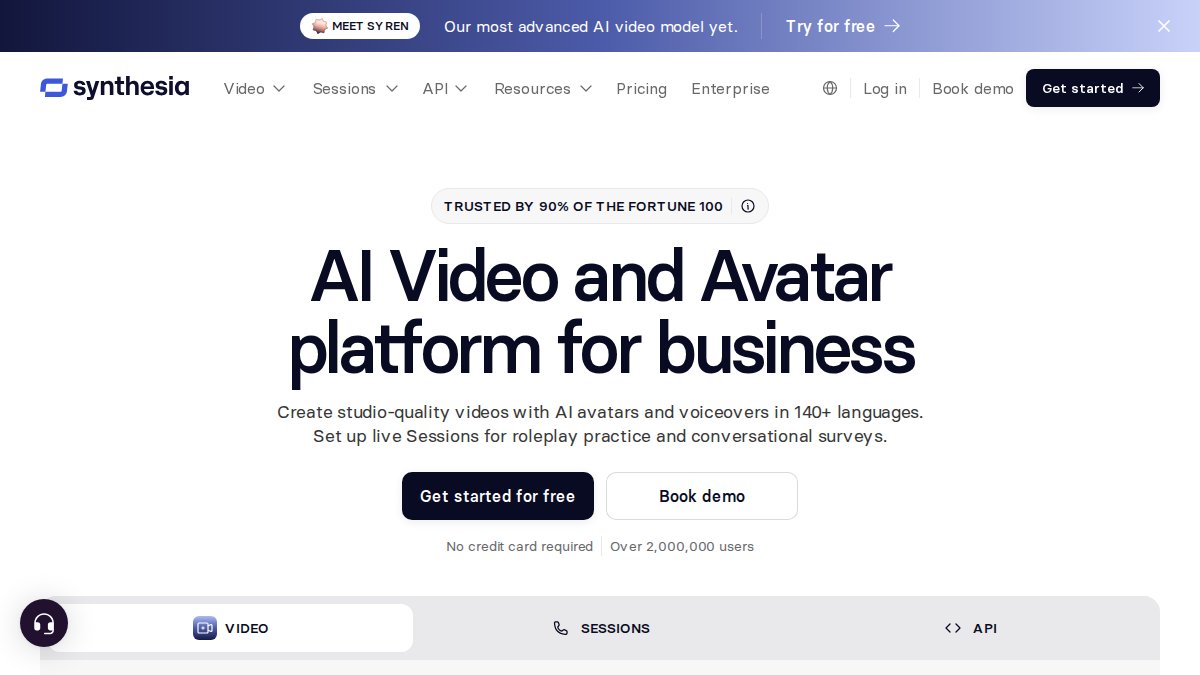
Synthesia takes a straightforward approach: you write a script, and the tool converts it into a video featuring an AI avatar delivering your message. No actors. No filming. Just text to video.
The platform offers multiple avatar options, languages, and customisation settings (Make Videos in 140+ Languages & Accents in 5 Mins). If you need to create the same message in five different languages for different markets, Synthesia handles that efficiently. Each avatar delivers your script with natural sounding speech and realistic gestures.
For startups creating product demos, training content, or explainer videos, this approach works well. The turnaround is measured in hours, not days. The cost is predictable and scalable. If you need 20 videos, you can produce them all in a week.
The trade off is creative flexibility. You're working within the tool's avatar library and animation capabilities. Your video will look like a Synthesia video. That's not necessarily bad. It's just a constraint to understand upfront.
Pros:
- Fast turnaround from script to finished video
- Multi language support for global campaigns
- Predictable pricing and scalable production
- Easy to edit and update videos after creation
Cons:
- Limited to avatar based format; no live action footage
- Videos follow a recognisable Synthesia template
- Requires well written scripts to be effective
Best for: Startups producing educational content, product demos, or training videos where an avatar format is appropriate and speed is critical.
3. CapCut: Fast Short Form Social Video Editing
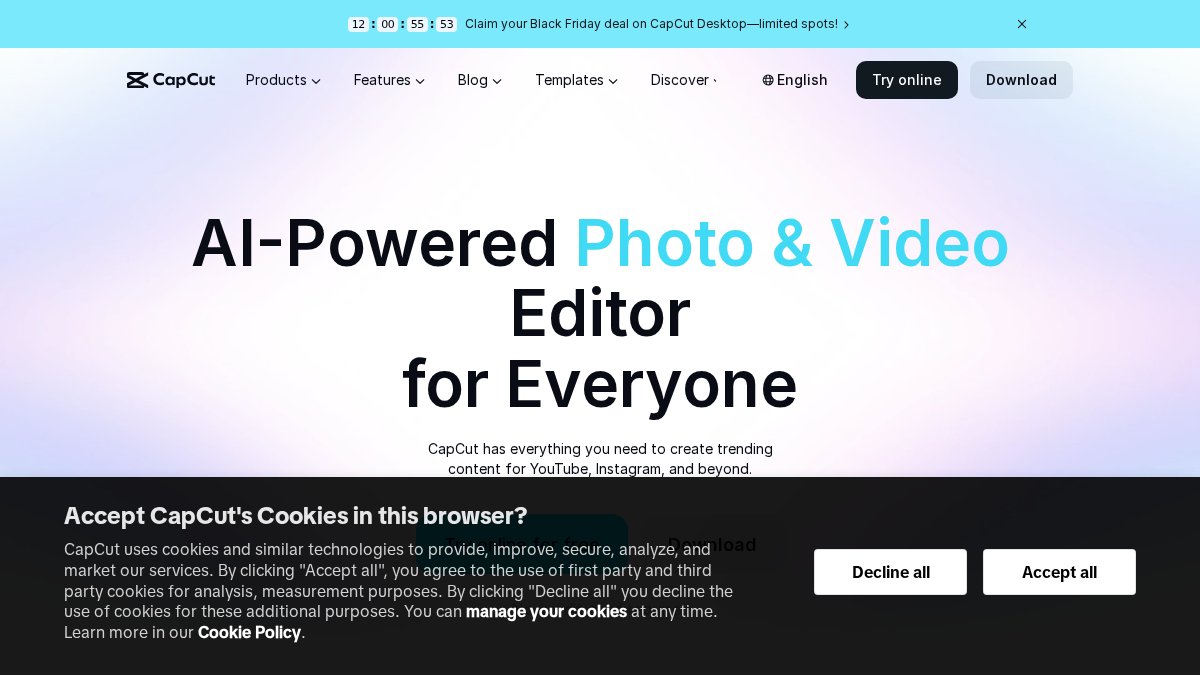
CapCut is the tool you use when you need social video content yesterday. It's not an AI video generator in the traditional sense. It's a video editor that makes creating short form content genuinely fast.
The platform includes templates, transitions, effects, and music libraries that let you assemble polished social videos in minutes. If you have footage, graphics, or existing content, CapCut lets you turn it into something shareable quickly.
For startups running social media campaigns, CapCut removes friction. You can film on your phone, import the footage, add effects and text, and publish. The learning curve is shallow. The results look professional.
The limitation is obvious: you need source material. CapCut is an editor, not a generator. If you're starting with a blank canvas, you'll need to create or source your footage first.
Pros:
- Extremely fast turnaround for short form content
- Intuitive interface, minimal learning curve
- Extensive template and effects library
- Free tier available
- Works on desktop and mobile
Cons:
- Requires source footage or content to edit
- Better suited to short form social content than long form video
- Limited AI generation capabilities compared to dedicated AI tools
Best for: Startups with existing footage or content who need to create social media videos quickly without learning complex editing software.
AI Video Creation Tools for Marketing: When to Use Them
AI video creation tools for marketing fall into distinct categories, and choosing the right one depends on your specific need.
Use avatar based tools like Synthesia when you need high volume content quickly, your message is the priority over visuals, and you're comfortable with a recognisable template format. They excel at explainer videos, training content, and product demos.
Use AI promotional video production with human direction like Apex Video Promotions when you need a single polished, professional video that converts. You want creative input, scriptwriting expertise, and a finished product that looks custom made for your business, not templated.
Use editing focused tools like CapCut when you have source material and need to assemble it quickly. You're not generating video from scratch. You're enhancing and packaging what you already have.
The key distinction: generation versus editing, template versus custom, speed versus polish. Most startups need all three at different times. The mistake is trying to use one tool for every job.
Video Editing Software for Small Businesses: Key Features to Prioritise
When evaluating video editing software for small businesses, focus on these core features.
Ease of use matters more than power. A tool you'll actually use beats a sophisticated tool that sits untouched because the learning curve is too steep.
Template libraries save time. Good templates let you start with structure rather than a blank canvas. You can customise them without building from scratch. This is especially valuable if you're producing multiple videos.
Export flexibility is essential. You need to export for different platforms: Instagram requires vertical video, LinkedIn prefers horizontal, your website might want a specific resolution. The tool should handle these variations without friction.
Built in music and stock footage libraries reduce the need to source content separately. This keeps everything in one place and speeds up production.
Collaboration features matter if you're working with a team or getting feedback from stakeholders. Being able to share drafts, gather comments, and iterate without passing files back and forth is valuable.
Mobile and desktop options give you flexibility. Some editing happens at your desk. Some happens on your phone while you're out.
Most small business video editing needs are met by tools that prioritise simplicity over power. Canva Video, CapCut, and similar platforms understand this. They're built for people who make video occasionally, not every day.
Startup Promotional Video Examples and What Makes Them Work
Effective startup promotional videos share common characteristics, regardless of the tool used to create them.
They lead with benefit, not features. A locksmith startup doesn't open with "we use 24 hour response protocols." They open with "locked out at midnight, help arriving in 20 minutes." The viewer immediately understands what problem you solve.
They include social proof. A testimonial, a customer quote, a statistic about customer satisfaction. Something that proves you deliver what you promise. AI generated videos can include this just as effectively as traditional production.
They're concise. A 60 to 90 second promotional video is ideal for most startups. Long enough to tell your story, short enough to hold attention. Longer videos work for specific platforms like YouTube, but for websites and social media, brevity wins.
They have a clear call to action. "Book a consultation," "visit our website," "download our guide." The viewer should know exactly what you want them to do next.
They reflect your brand. Colour, tone, pacing, music, messaging. Everything should feel intentional and aligned. This is where human creative direction makes the difference. A generic template doesn't capture your specific brand voice.
Startups that produce video early in their growth can see improvements in conversion rates and customer engagement.
Professional video content isn't reserved for established brands with big budgets anymore. Startups can produce high quality promotional videos that convert, without the cost and complexity of traditional production. Video marketing tools for startups have evolved to make this genuinely accessible. At Apex Video Promotions, we combine AI efficiency with human creative expertise to produce promotional videos that work. Book a consultation and we'll develop a concept for your business within 24 hours, at no cost until you approve it.
Frequently Asked Questions
What are the best video marketing tools for startups?
The best video marketing tools for startups depend on your budget, technical skill and content type. Apex Video Promotions offers AI promotional video production with human creative direction and no upfront cost until concept approval. For DIY creation, Synthesia excels at avatar based videos, CapCut handles social media editing, and Canva provides all purpose brand content creation. Evaluate based on whether you need hands off production or in house control.
Can startups make professional videos without filming?
Yes. AI video creation tools eliminate the need for cameras, crew and location shoots. Apex Video Promotions combines AI generated video and imagery with human scriptwriting and editing to produce professional promotional content from a brief or existing marketing material. Synthesia and HeyGen create avatar based videos from scripts. These approaches deliver polished results without traditional production overhead or scheduling complexity.
Which video editing software for small businesses is easiest to learn?
CapCut and Canva are known for intuitive interfaces and minimal learning curve. CapCut specialises in fast short form social video with drag and drop editing. Canva Video integrates with Canva's broader design platform, so users familiar with graphic design find it straightforward. Both offer templates and built in effects that reduce the need for advanced technical skills.
How should startups measure whether their video marketing is working?
Track metrics aligned to your goal: view count and watch time for awareness, click through rate and landing page visits for traffic, and conversion rate or sales for revenue impact. Monitor engagement on social platforms (likes, shares, comments). Use UTM parameters in video links to attribute conversions. A/B test different video styles or messaging to identify what resonates with your audience and drives measurable results.
What should a startup look for in video marketing tools?
Prioritise ease of use, turnaround speed, cost structure and output quality. Consider whether you need hands off production or prefer in house control. Look for templates and stock footage to reduce creation time. Evaluate whether the tool integrates with your existing platforms (social media, website, email). For startups with tight budgets, free tiers or no upfront cost options reduce financial risk while you test the tool's fit.